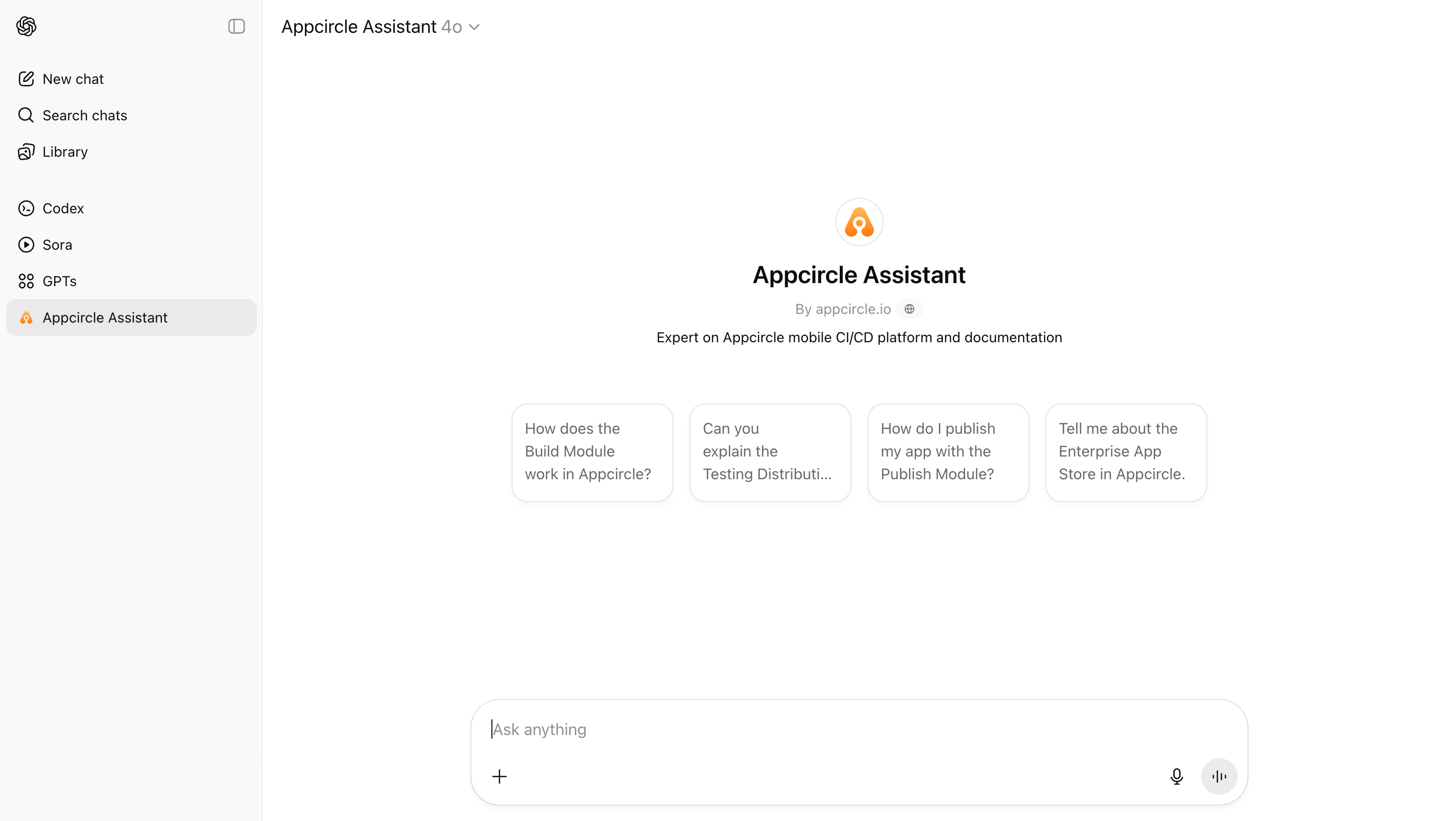
Appcircle GPT Assistant
Appcircle provides a custom Appcircle GPT Assistant designed to deliver quick and clear answers, offering step-by-step guidance and troubleshooting support for users.
ChatGPT - Appcircle AssistantChatGPT helps you get answers, find inspiration, and be more productive.chatgpt.com
How to Use Appcircle GPT Assistant
Getting started with the Appcircle GPT Assistant is simple. Just follow these steps:
-
Log in to your ChatGPT account.
-
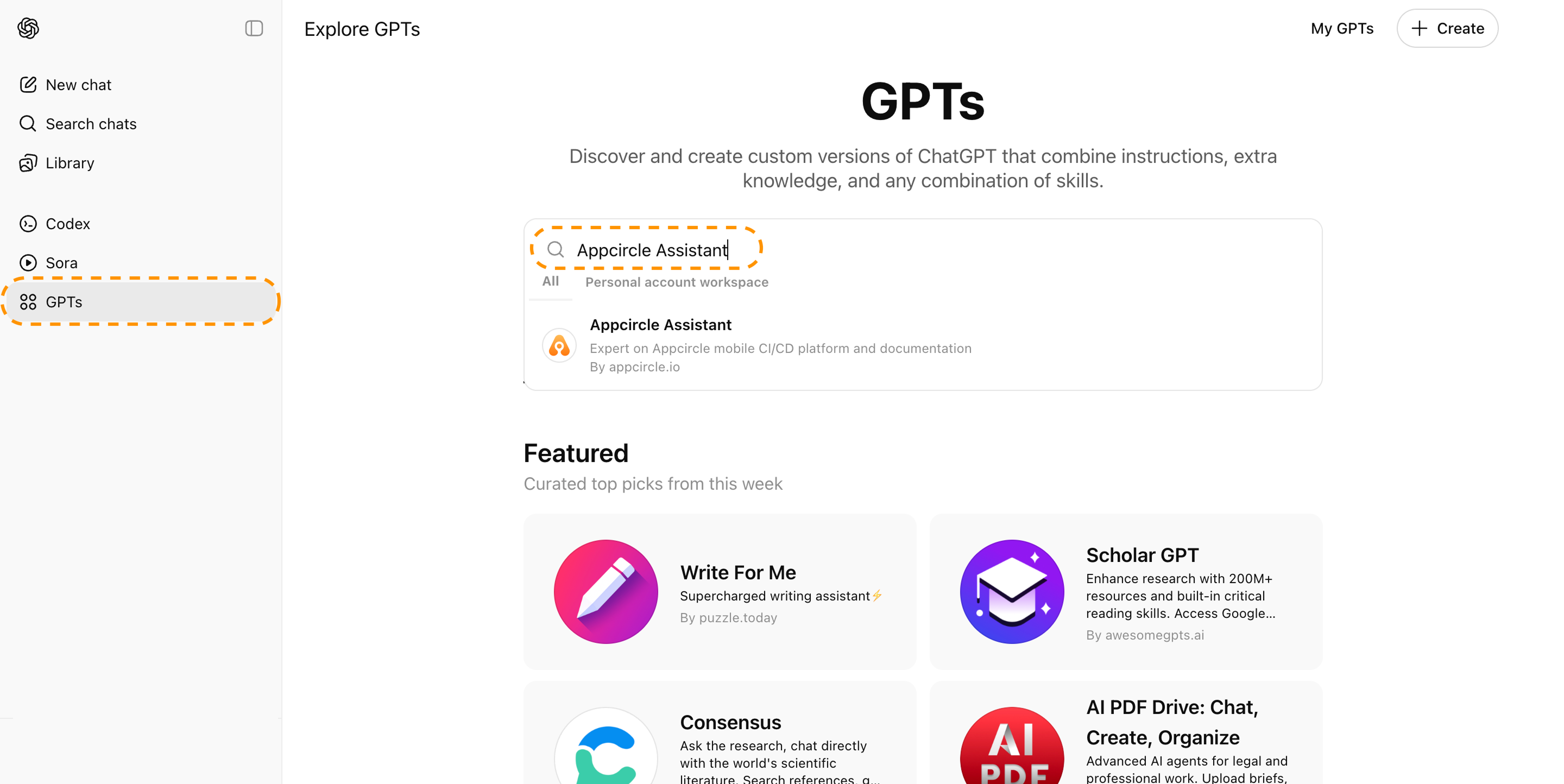
In the left-hand menu, click GPTs.
-
Use the search bar to type Appcircle Assistant.
-
Click on it to open and start your conversation with the Appcircle GPT Assistant.